
Shipped 2024 · Product Design · UX Research · Mobile · Enterprise
I made everyday HR tasks easier for remote employees
OVERVIEW
Bringing HR workflows to mobile for 1,000+ employees
Lotus Wireless already had a desktop HR Management System (HRMS) for attendance, leave, travel, and expenses. I worked as the sole product designer with 3 front-end developers to bring it to mobile for remote and on-site employees, while improving the workflows that were creating the most friction.
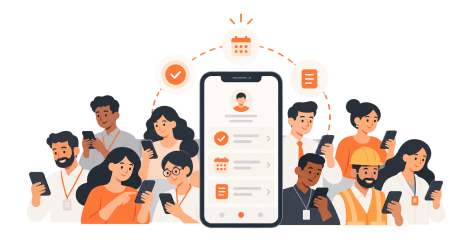
Launched the experience to 1,000+ users
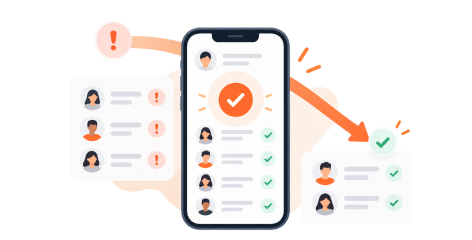
Reduced remote attendance issues by 30%
PROBLEM
The desktop HRMS was not built for employees who were frequently away from their desks
Remote and on-site employees had to use workarounds for key tasks like attendance, managers had limited access to urgent requests, and employees were switching between different tools to manage their daily work.
I identified three core problems through stakeholder meetings and analysing workflows in the existing desktop HRMS:
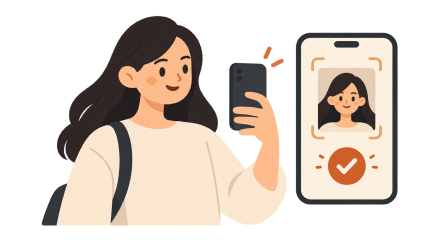
Employees sent photos to verify remote attendance
Managers couldn’t quickly act on urgent requests
Employees used Notes app for their daily tasks
SOLUTION
The goal was to make the most important HR tasks easier on mobile
Employees and managers were already familiar with the existing system, so I focused on the parts that created the most friction away from desktop. I brought attendance verification, approvals, and daily task tracking into the mobile experience so they could complete these actions without relying on extra tools or going back to their laptops.
Making remote attendance easier
I built selfie verification into clock-in, with clear guidance and location verification.
Keeping daily task tracking in the app
I added lightweight task tracking to the home screen to reduce app switching.
Helping managers act without opening apps
I moved key details and approve/reject actions into notifications.
Adding a central employee calendar
I added a shared calendar for holidays, birthdays, and company events, making important dates easier to find in one place.
HOW I GOT HERE
I started by understanding how the current HRMS was actually being used
I spoke with the project sponsor, employees, managers, and HR personnel to understand what was working, what could be improved, and where a mobile-first approach could help the most. I also benchmarked Keka, HROne, and Zoho People to see how other HRMS products approached mobile.
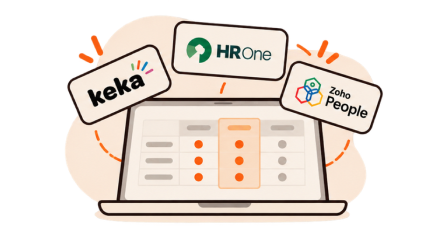
3 products benchmarked
Keka, HROne, Zoho People
4 stakeholder groups
Project sponsor, employees, managers, HR
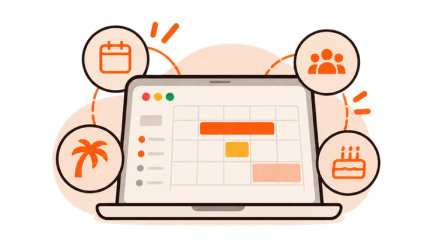
1 opportunity identified
A shared employee calendar for holidays, meetings, and events
I mapped the desktop HRMS to understand who needed what
The HRMS had different access levels for employees, managers, and HR personnel. Mapping the existing workflows helped me understand which tasks mattered to each role and which ones needed to be easier on mobile.
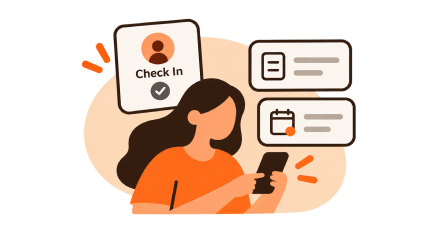
Employees
Attendance, leave, travel, expenses, daily tasks
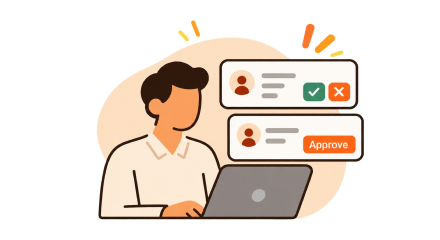
Managers
Requests, approvals, attendance visibility
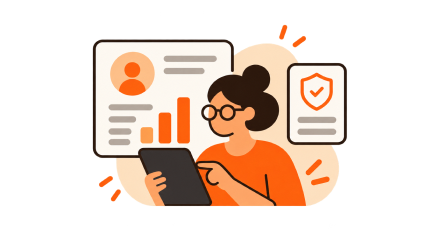
HR
Organization-wide information and calendar controls
Not everything needed to change
The workflow map helped me separate what was already working from what needed improvement.
I kept familiar flows like attendance history, leave, travel, and expenses, and focused new design work on attendance verification, task tracking, approvals, and the employee calendar.
ITERATION 1
How could remote attendance be easier to verify?
I tested the selfie attendance flow and found that employees needed clearer guidance, while managers wanted more context to verify attendance. I added simple selfie instructions and location information to address both.
EDGE CASE
Research uncovered a missing leave scenario
While evaluating the flows, I noticed the existing system did not properly support half-day leave. I added full-day and half-day options directly into the date-selection flow.
Testing helped us improve the experience before launch
The product was evaluated and refined across the key workflows before being deployed. Comparing incorrect or disputed remote attendance entries before and after launch showed ~30% fewer issues, and the experience grew to 1,000+ internal users.
Design and development happened in parallel
I discussed technical constraints early, designed success, failure, empty, and error states, and adapted desktop components into reusable mobile patterns for smoother implementation.
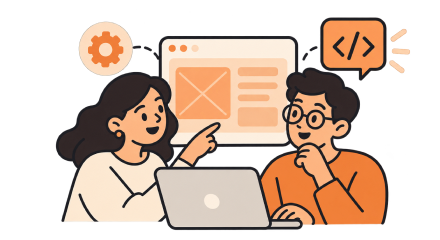
Constraints discussed early
I designed keeping in mind the technical feasibilities
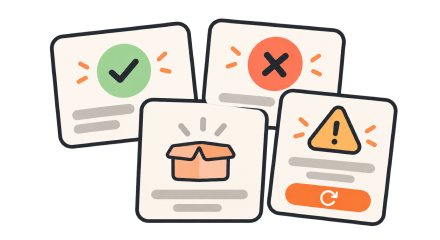
Edge states designed
Success, failure, empty, error
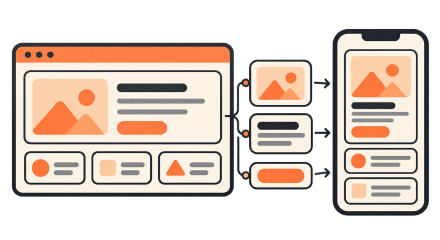
Adaptable components
Reusable mobile patterns for handoff
WHAT I LEARNT
Early design-development collaboration made the product stronger
Working closely with developers from the start helped me understand technical constraints early instead of finding them during handoff. It also helped me think through success, failure, empty, and error states more carefully, and adapt desktop components into mobile patterns that were easier to implement. That collaboration made the design process smoother and reduced unnecessary back-and-forth later.