
2025 · Product Design · UX Research · GenAI · Enterprise
I helped Salesforce rethink search for Slack with GenAI
OVERVIEW
Salesforce’s vision: Rethinking search from finding links to getting answers with AI
This is a story of how we explored how GenAI could help small businesses understand if Slack is right for them, while still letting them explore on their own.
MY CONTRIBUTION
I translated the hybrid search concept into an end-to-end interaction model
The team explored bringing AI into Slack’s existing search. I focused on how it would work for users- from the search bar and AI chat to sources, follow-ups, and traditional results. I prototyped it with AI and tested it with users, helping shape the final solution.
Search Bar Interaction
Designed the search bar and transition into AI search
AI Chat Experience
Designed the AI chat: responses, sources, and suggested questions
Navigational Experience
Designed AI source navigation while preserving context
I also contributed to product benchmarking, contextual inquiries, interviews, concept exploration, prototyping, and evaluation.
PROBLEM
Search was making users do too much of the work
The current Slack website assumed users know what to look for and where to look.
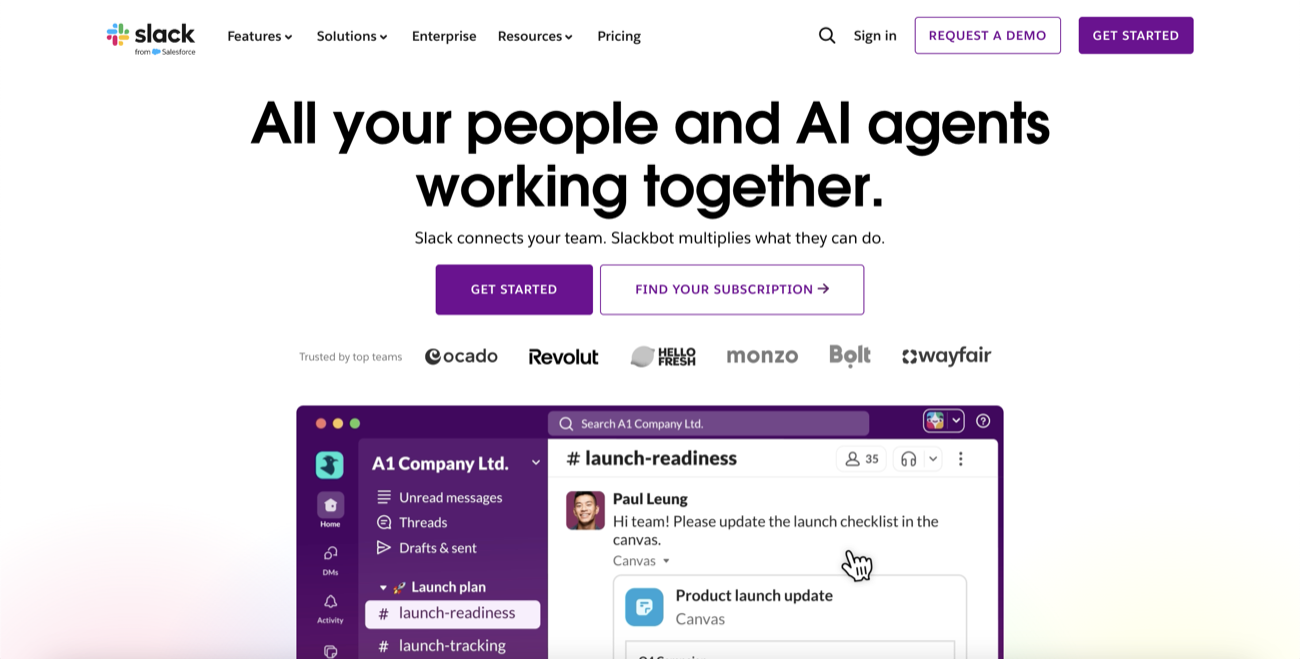
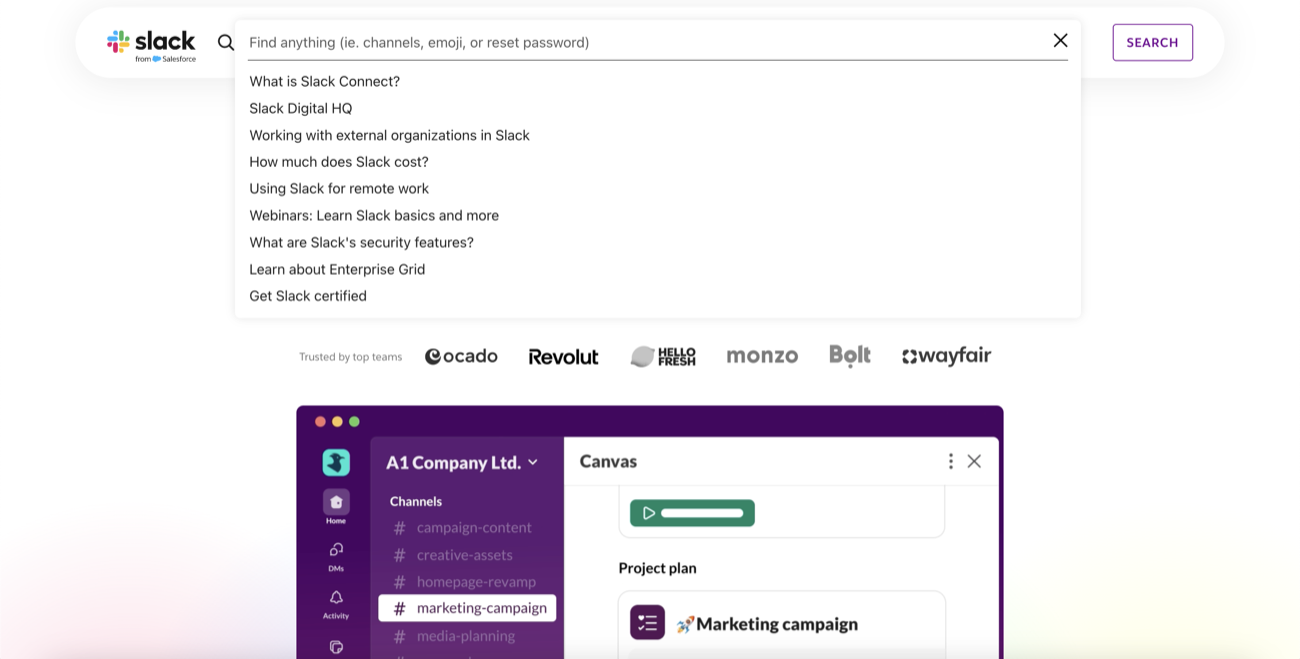
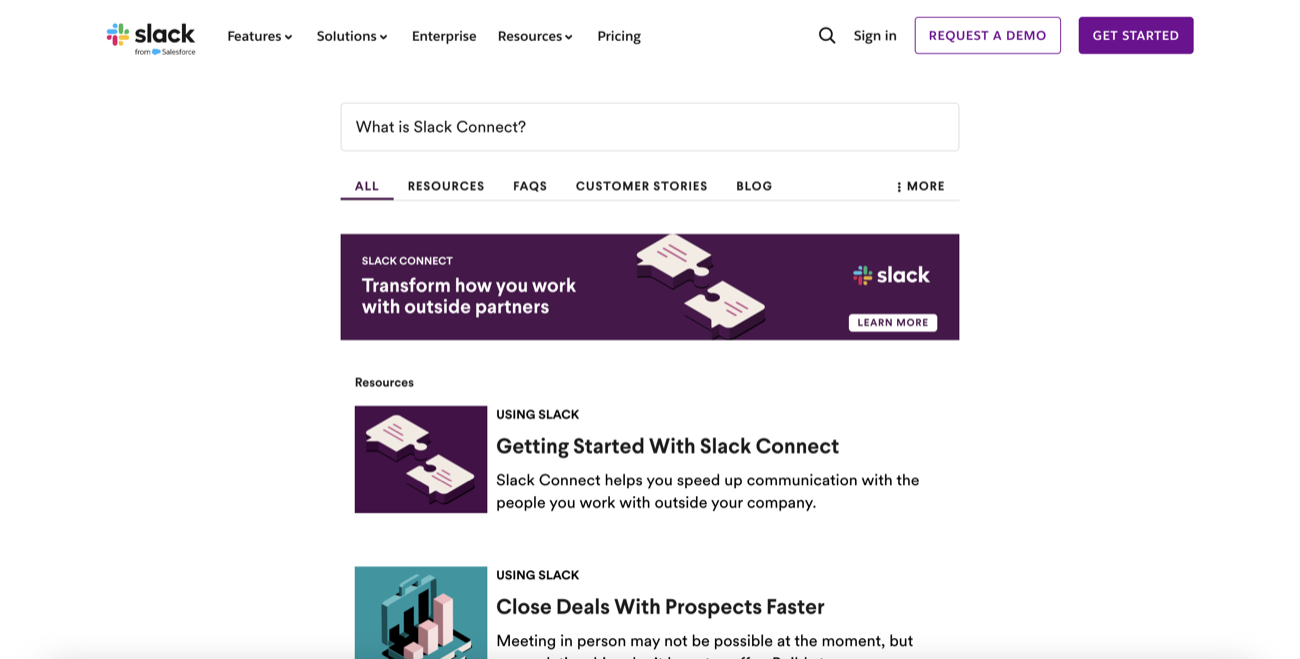


When we talked to small business owners, a few patterns emerged:
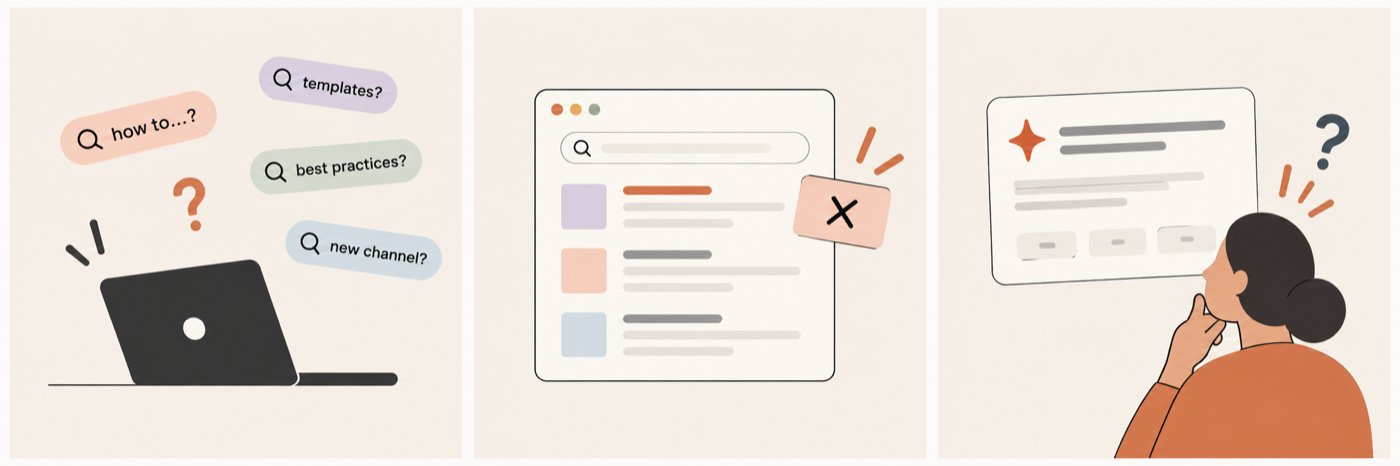
Users are unsure what to search for
They are frustrated by irrelevant search results
They struggle to trust AI generated information
SOLUTION
We didn't need to replace search. We needed to make it do more
Users still relied on familiar search and navigation, but AI could help when they didn't know exactly what to ask. We designed a hybrid search experience that brings AI-generated answers and traditional search results into the same journey.


What is huddle in Slack?
How much does a plan for 10 people team cost?
What is huddle in Slack?
|
AI Suggestions

How much does a plan for 10 people team cost?
See how Slack integrates with your tools (Google, Notion, Jira...)
Learn how teams like yours use Slack to work faster


Know what to search for
Contextual prompts and suggestions give users a starting point when they’re unsure what to search for
Get to relevant answers faster
AI summary helps users get answers quickly and dig deeper, while traditional results + filters lets them browse and explore further
Know where the answer comes from
Sources and citations show users where AI-generated information comes from, helping them verify answers and explore the original content for more context
HOW WE GOT HERE
We started broad, then narrowed in
We benchmarked AI and search patterns, audited Slack.com, and spoke with decision-makers to understand how they find information. Research helped us narrow our focus to small business owners looking for quick, relevant answers.
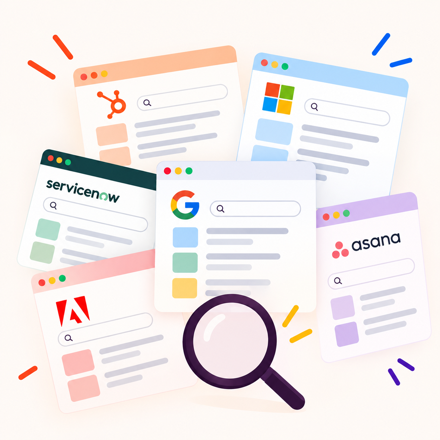
6 platforms benchmarked
14 participants
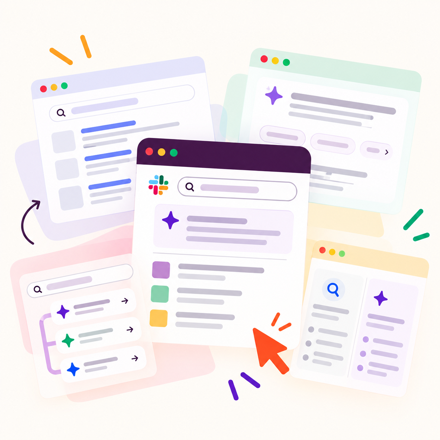
5+ concepts explored
ITERATION 1
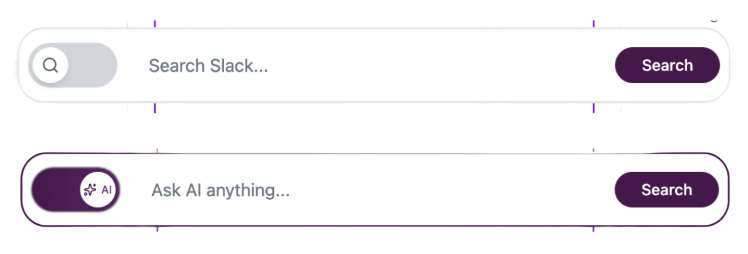
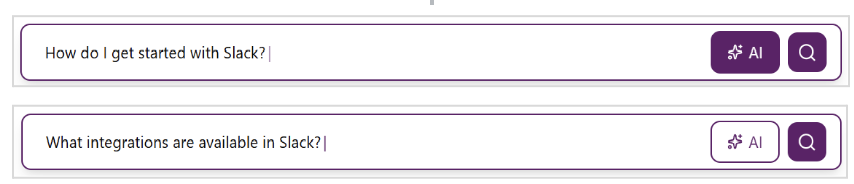
Should users choose between AI and search?
We initially explored toggles and separate entry points for AI and traditional search. Testing showed that asking users to choose upfront wasn't intuitive, so we moved toward showing both within the same experience.

ITERATION 2
How much should AI take over the experience?
In our early concepts, we put AI front and center. But testing showed it could overwhelm traditional search results and make the experience feel unfamiliar. I explored a more balanced approach in Figma Make, keeping AI accessible without letting it take over search.
Testing helped us shape our final direction
We tested three concepts with 6 small business owners.
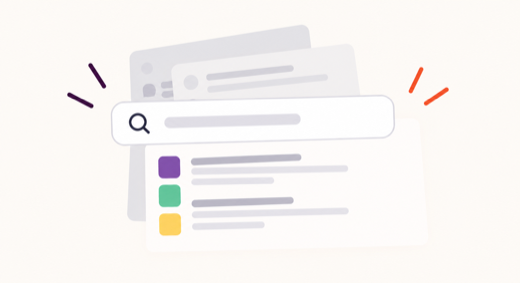
Users preferred familiar search patterns
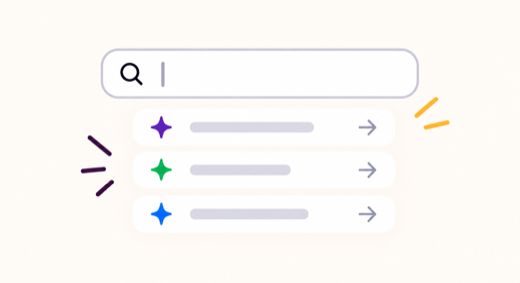
Suggestive prompts made it easier to get started
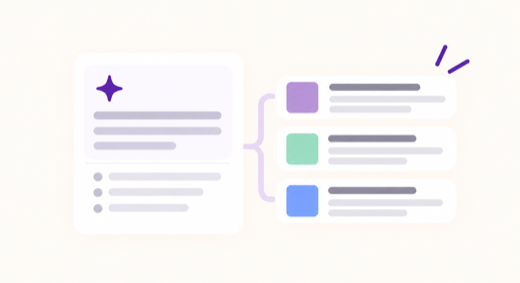
Users liked AI summary alongside search results
89% of our heuristic checks passed
We evaluated the final prototype across clarity, trust, navigation, and consistency, and used the remaining gaps to guide the last round of refinements.
WHAT I LEARNT
More AI isn’t always better
I learned that the real design challenge is figuring out where AI is useful, where familiar patterns work better, and how the two can work together.
Experience is important
It is important to develop features but it is equally important to design how they connect.